Skip to content
kov4

Delivery platform integration

Your delivery channels.One connected operation.

We help merchants connect Glovo, Wolt and Bolt Food orders to the POS and systems they already run, starting with a free look at how orders move today.

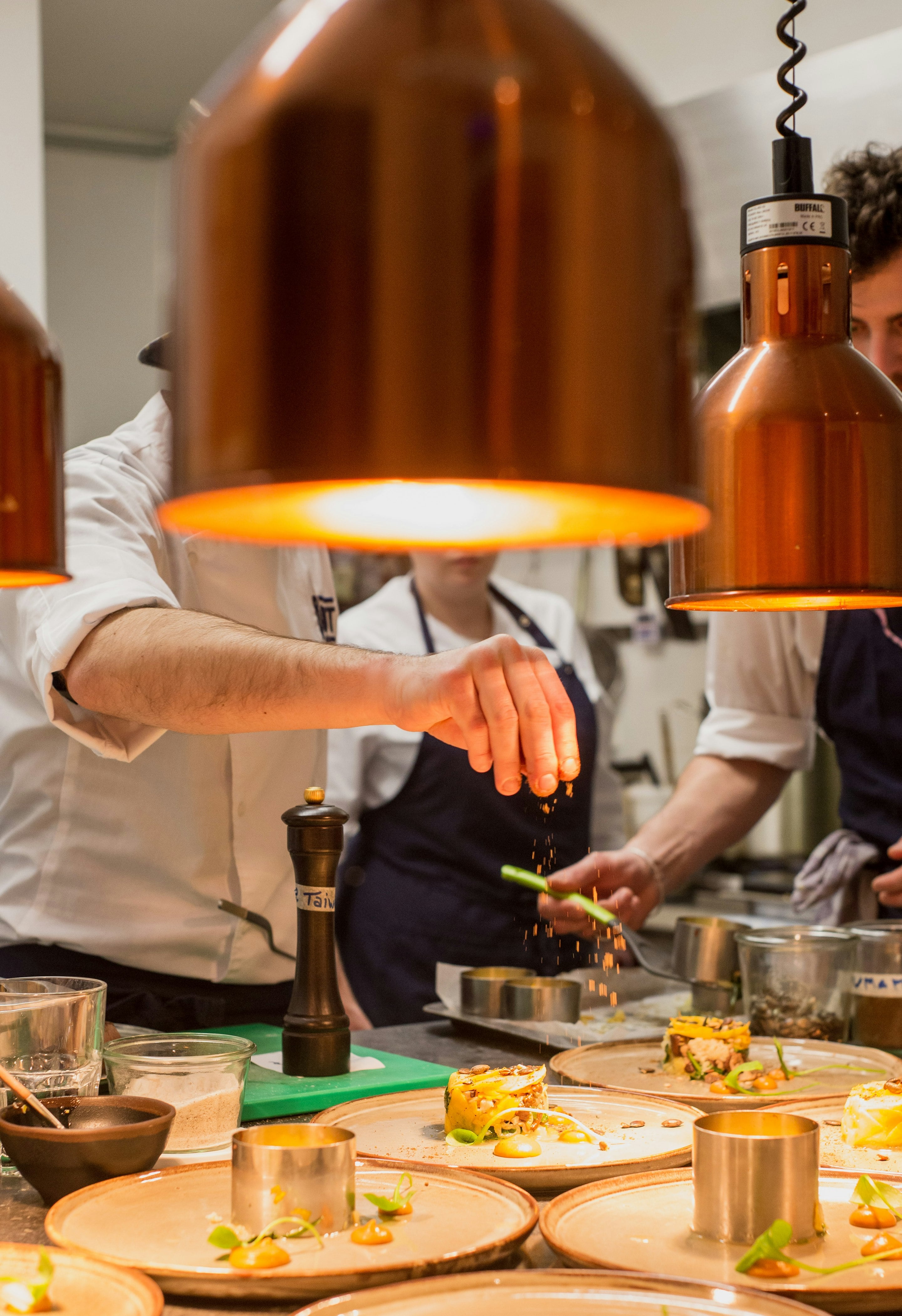
A chef seasons a row of plated dishes under copper heat lamps at the pass.

Your POS

Incoming orders

  • Glovo
  • Wolt
  • Bolt Food
  • Bolt Food #77120

    1 × Classic burger

    Extra cheddar, Cola 0.5 L

    New12:34
  • Wolt #118-302

    1 × Classic burger

    Extra cheddar

    In kitchen12:33
  • Glovo #4F7K2

    2 × Classic burger

    Extra cheddar, no onion

    In kitchen12:31
  • Glovo #4F6X8

    1 × Halloumi wrap

    Sweet potato fries

    Ready12:26
Matched to your menu, item by itemIllustration

Orders from

  • Glovo
  • Wolt
  • Bolt Food

Into the systems you already run

  • POS
  • Kitchen display
  • ERP
  • Inventory
  • Accounting

Now taking on a small number of pilot partners in Bulgaria.

Talk to us about a pilot

Every new app adds another tablet to the counter.

Each marketplace brings its own menu and order format. When those don’t connect to the rest of your business, people fill the gap by hand.

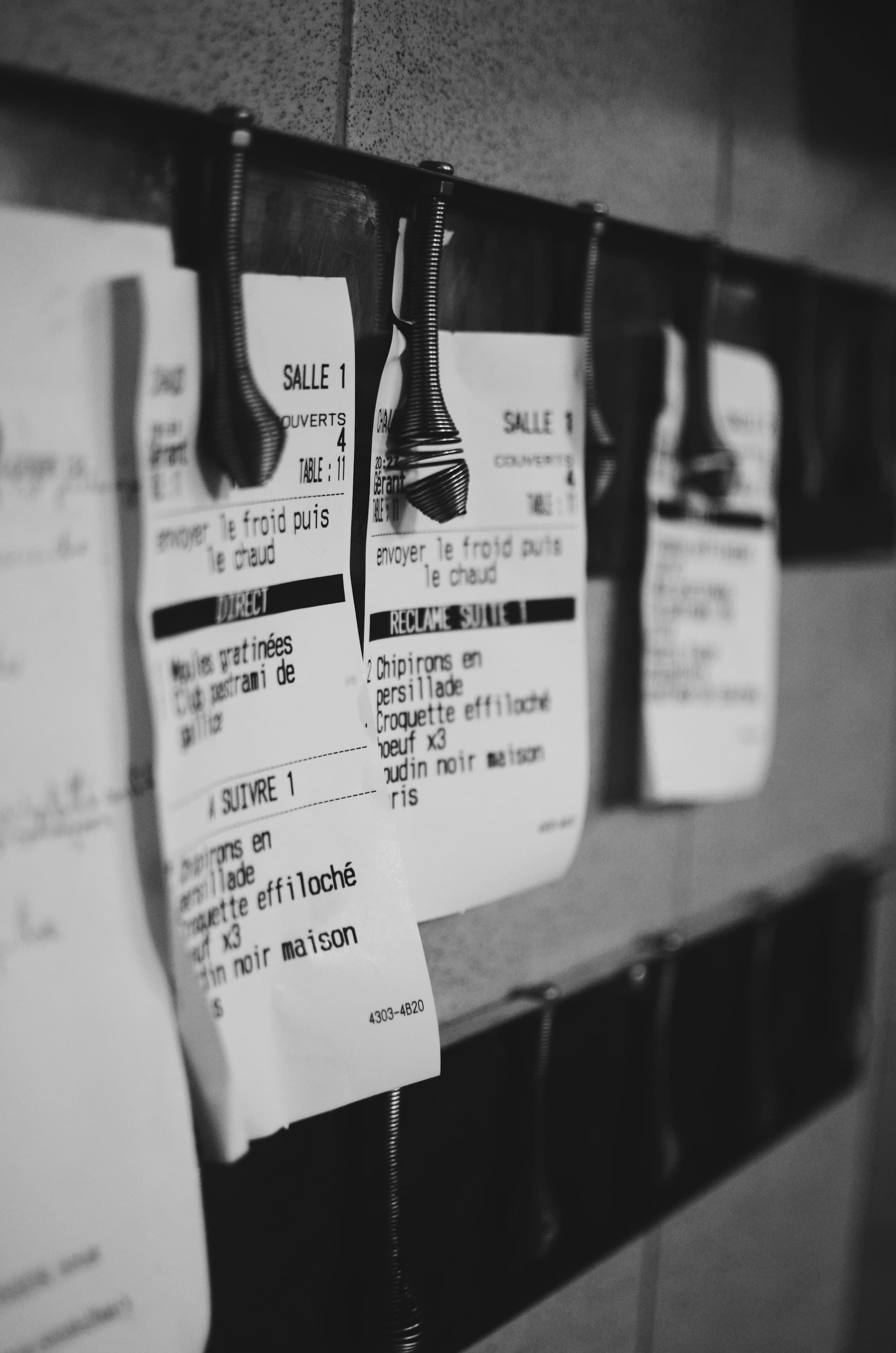
Printed kitchen tickets clipped to the rail, listing courses and table numbers.
  • Re-entering orders

    Each marketplace order is read off a tablet and typed into the POS, line by line, at the busiest time of day.

  • Switching between apps

    Staff watch a separate tablet for every platform, each with its own alerts and order screen.

  • Keeping availability in step

    When a dish sells out, it has to be paused on every platform, one app at a time.

  • Running several locations

    Each outlet has its own devices, menus and habits, and head office sees little of it.

  • Consolidating order data

    Daily and monthly totals are pieced together from separate platform exports.

Not every business has these problems. Some already run well-connected setups, and if that’s you, we’ll tell you.

Three apps.Three spellings.One ticket.

Each marketplace describes the same dish its own way. A connected setup matches every version to the item on your menu, so the kitchen reads one format.

As ordered on each marketplace

  • Glovo#4F7K2 12:31
    • 2 × Classic Burger + Cheddar extra

    Note: No onion

  • Wolt#118-302 12:33
    • 1 × Burger Classic (extra cheese)
  • Bolt Food#77120 12:34
    • 1 × CLASSIC BURGER / add cheese
    • 1 × Cola 0,5

Matched to your menu

kov43 orders in
  • Classic Burger
  • Burger Classic
  • CLASSIC BURGER

BRG-01

Classic burger

  • Cheddar extra
  • extra cheese
  • add cheese

MOD-12

Extra cheddar

Logged, de-duplicated and sent to the POS at the right location.

Printed in your POS

#0412Glovo12:31

2Classic burger

+ Extra cheddar

– No onion

#0413Wolt12:33

1Classic burger

+ Extra cheddar

#0414Bolt Food12:34

1Classic burger

+ Extra cheddar

1Cola 0.5 L

Illustration: the same dish, listed three ways on three marketplaces, reaching your POS as one menu item. What can be connected depends on each platform’s access and on your systems.

What a connected setup can do.

Depending on each platform’s access and on what your software can receive, an integration takes over the steps people do by hand today.

Orders arrive in your POS as tickets.

Items, sizes and extras matched to your own menu, whichever app the order came from.

#0412Glovo12:31

2Classic burger

+ Extra cheddar

– No onion

#0413Wolt12:33

1Halloumi wrap

+ Chilli mayo

1Sweet potato fries

#0414Bolt Food12:34

1Classic burger

+ Extra cheddar

1Cola 0.5 L
One menu for every app.

Change a price or a dish once and pass it to each platform that accepts menu updates.

Classic burger

€7.90

  • Glovo€7.90
  • Wolt€7.90
  • Bolt Food€7.90

Sold out once. Paused everywhere.

One change reaches every channel that supports availability updates.

Pistachio croissant

Sold out

  • GlovoPaused
  • WoltPaused
  • Bolt FoodPaused
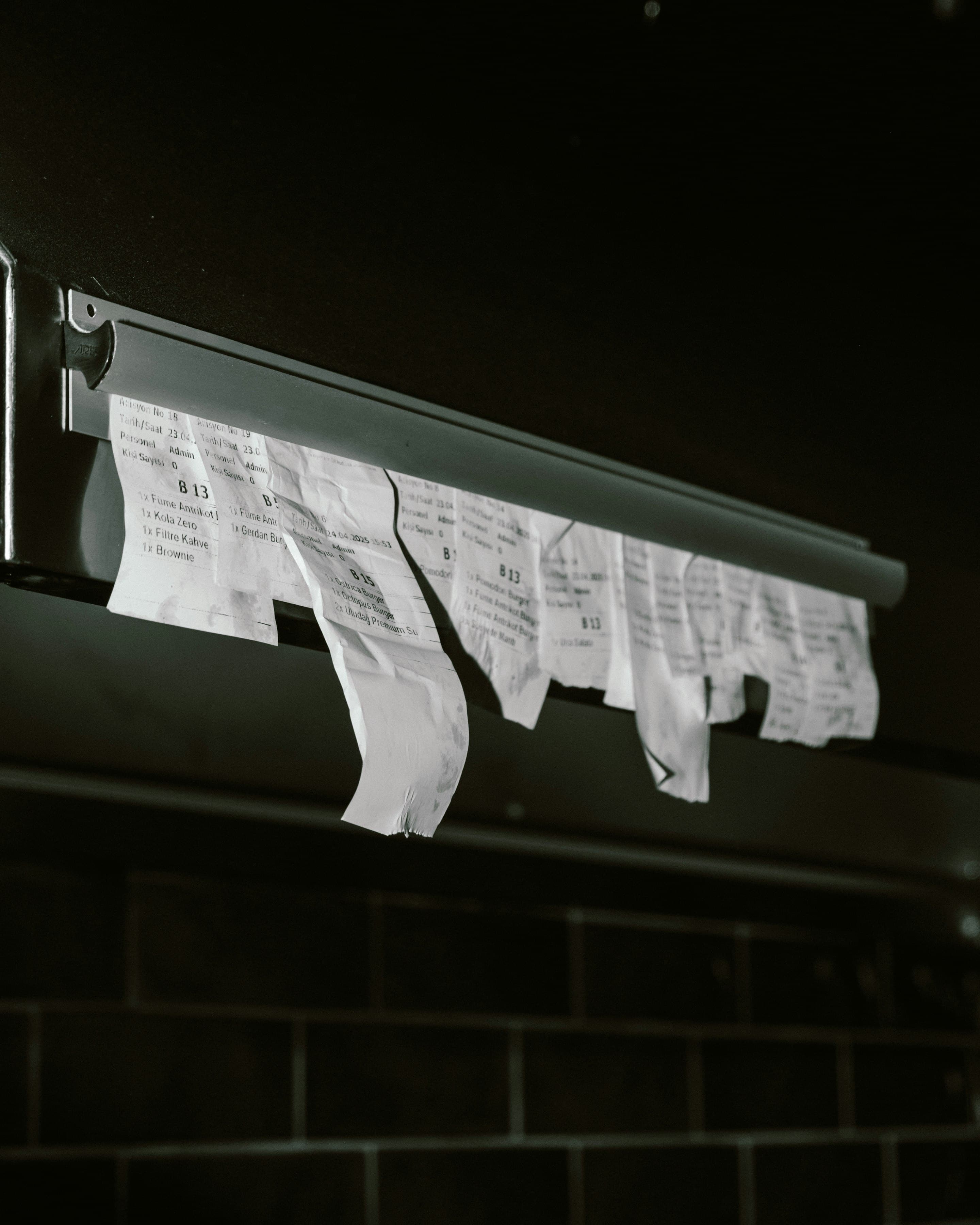
Torn order receipts hanging from a metal ticket rail in a dark kitchen.

Your kitchen reads one format.

The same ticket layout for every platform, printed where your team already looks.

Every order to the right location.

Orders reach the outlet they were placed with, and head office sees them all.

Orders today by locationExample

  • Sofia Centre37

  • Lozenets26

  • Plovdiv17

Nothing goes missing quietly.

Every order event is logged. Failed deliveries are retried and raise an alert, so a lost order is visible, not silent.

12:31:04Glovo #4F7K2 received

12:31:05Sent to POS, Sofia Centre

12:33:12POS not responding, retrying

12:33:20Sent to POS on retry

12:34:02Bolt Food #77120 received

Totals that reconcile.

Orders from every channel brought together in one place, ready for the daily close.

Daily close, all channelsExample
ChannelOrdersGross
Glovo42€1,104.60
Wolt31€806.20
Bolt Food18€462.90
Total91€2,373.70

Illustrations with example data. Which of these apply depends on each platform’s API, permissions and terms, and on your systems.

Not only for restaurants.

Any merchant that sells through delivery marketplaces and runs its own systems can end up with the same gaps. The details differ by trade.

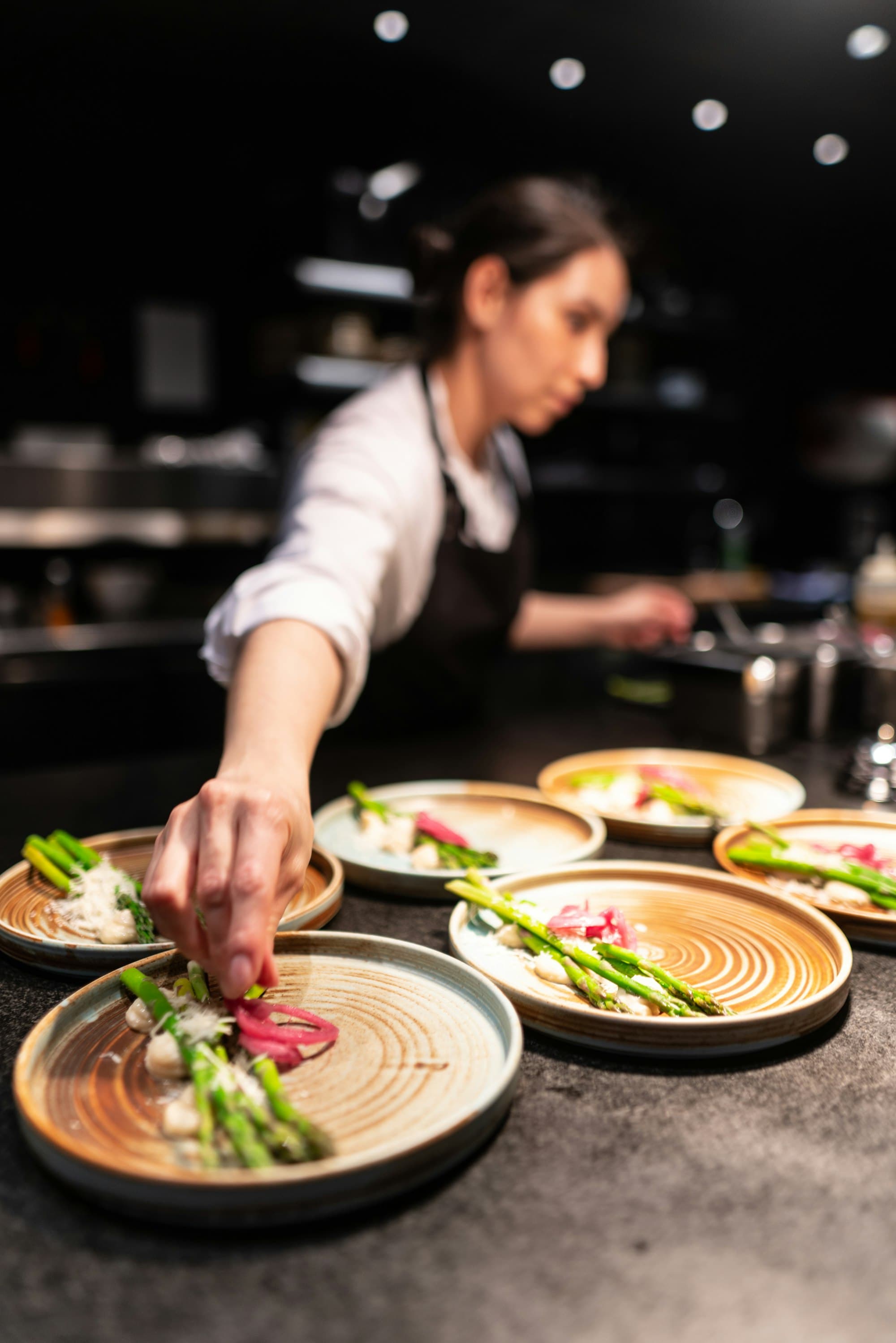
  • A cook finishes a row of asparagus dishes on the pass.

    Restaurants, cafés and fast food

    Food service

    Orders re-typed from tablets into the POS during the rush, with sizes, extras and notes like “no onion” lost on the way to the kitchen.

    What an integration could do
    • Send marketplace orders to the POS or kitchen display as tickets, with modifiers mapped.
    • Use your own menu as the reference for availability, where platforms allow updates.
    • Return preparation status to the platform, if it supports status updates.

    Usually involves POS, kitchen printer or display, menu management.

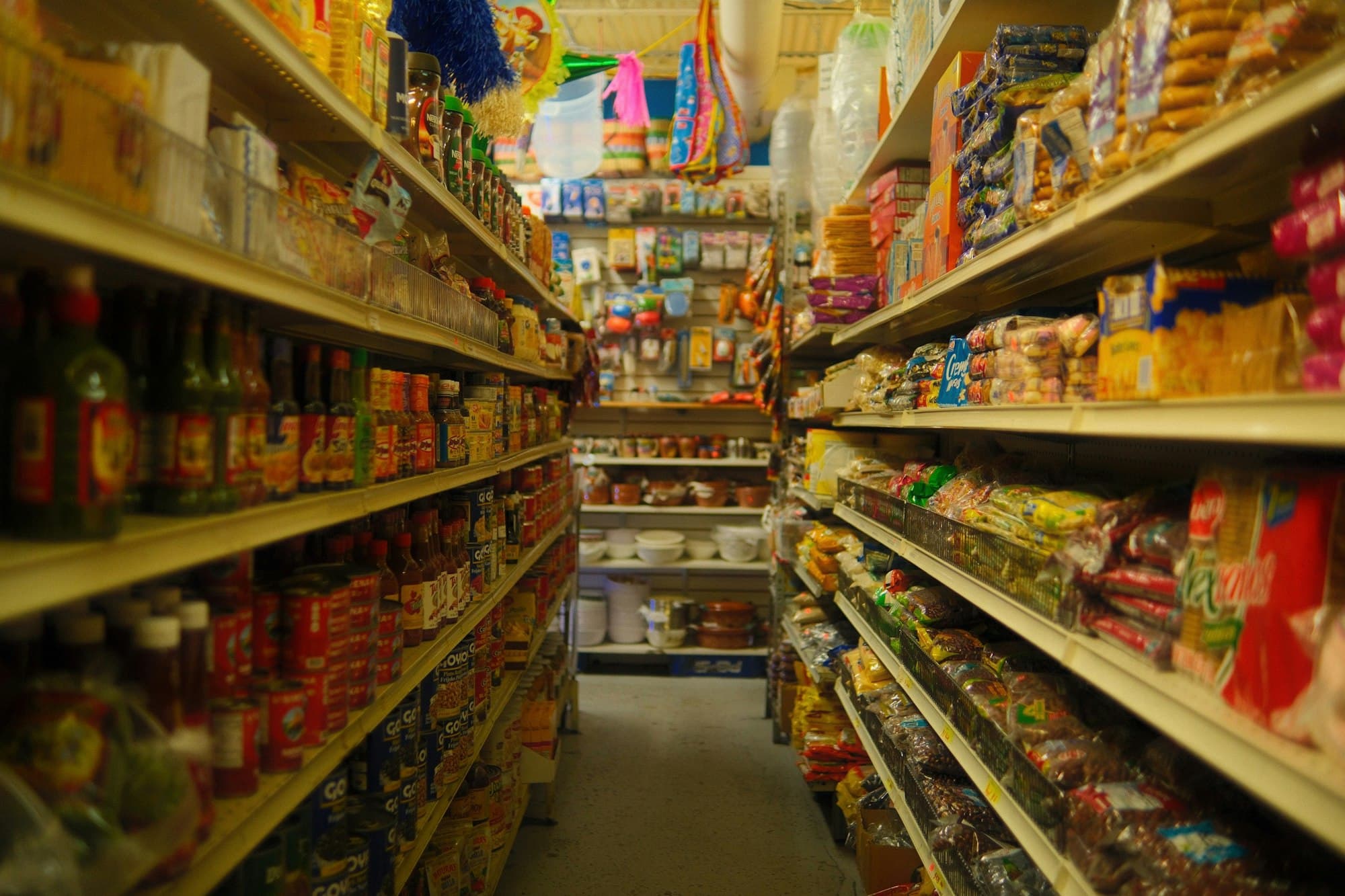
  • A narrow aisle in a local grocery shop, shelves stocked to the ceiling.

    Supermarkets, local shops and minimarkets

    Grocery and convenience

    Large catalogues where stock changes faster than listings, so out-of-stock items turn up during picking and get sorted out by phone.

    What an integration could do
    • Pass stock levels from your inventory system to marketplace catalogues where supported.
    • Record marketplace sales against inventory as orders arrive.
    • Flag unavailable items before picking starts.

    Usually involves inventory or ERP, POS, catalogue management.

  • A flower shop lit up at dusk, its plants spilling onto the pavement.

    Eligible retailers, flower shops and gift stores

    Retail and specialty

    Delivery windows and card messages copied by hand between screens, and sales split between your webshop and the marketplaces.

    What an integration could do
    • Carry delivery windows and gift notes straight into your order system.
    • Map marketplace listings to products in your webshop or POS.
    • Bring channel sales together into one daily view of orders.

    Usually involves e-commerce platform, order management, POS.

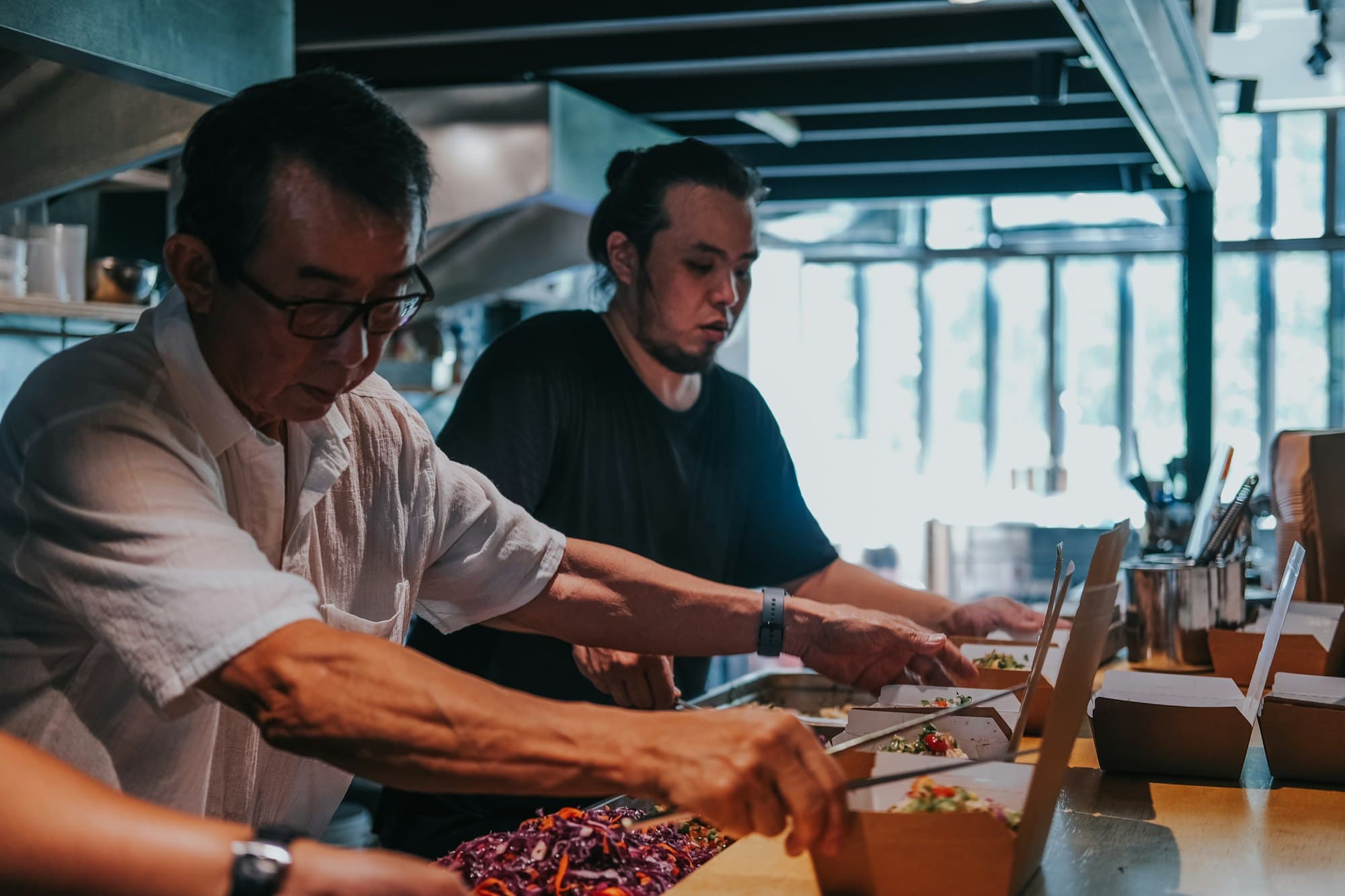
  • Two cooks packing orders side by side at a long kitchen counter.

    Chains, franchises and multi-brand kitchens

    Multi-location operators

    Each outlet runs its own devices and procedures for marketplace orders, and head office has no consolidated view by channel and location.

    What an integration could do
    • Route every order to the systems of the location that fulfils it.
    • Apply one product mapping and one set of rules across all outlets.
    • Consolidate order data across locations and platforms for reporting.

    Usually involves POS per location, central ERP, reporting or BI.

Which product categories a marketplace accepts varies by platform and country. We check what’s available for your type of business.

We start with your workflow, not with software.

Every engagement begins with an assessment. Code comes later, and only if it’s worth building.

  1. 01

    Step 01: Understand

    We map how orders move through your business today: the delivery channels you use, the software you run and who handles each step.

    You get: A written map of your current order workflow.

  2. 02

    Step 02: Identify

    We pinpoint the manual steps, delays and error points, and judge whether integration would solve a problem worth solving.

    You get: A shortlist of bottlenecks, ranked by impact.

  3. 03

    Step 03: Validate

    We check the technical side: the access each platform offers, what its API supports, what your software can receive and any contractual limits.

    You get: A feasibility summary, including what isn’t possible.

  4. 04Only if 02 and 03 say yes

    Step 04: Pilot

    If the business case and the technical access are both there, we scope a limited pilot with measurable success criteria.

    You get: A pilot scope, timeline and agreed measures of success.

Steps 01 to 03 are free and carry no obligation. If an integration isn’t feasible or isn’t worth it, we’ll say so, and you keep the workflow map.

Book an assessment

Connects what you sell on to what you run on.

For operations and IT teams: how the integrations we scope fit together. Which parts apply depends on each platform’s APIs, permissions and terms, and on your software.

Where orders come from

  • Glovo

    Orders, status, menu

  • Wolt

    Orders, status, menu

  • Bolt Food

    Orders, status, menu

  • Comparable marketplaces

    Where authorized access exists

kov4 middleware

Between the platforms and your systems

  1. Receives each order
  2. Matches it to your menu
  3. Routes it to the right system
  4. Logs every event

The systems you run

  • POS and kitchen display

    Tickets, items, modifiers

  • ERP and inventory

    Stock out, sales in

  • Order management

    Routing by location

  • Accounting and custom APIs

    In the format each expects

Which connections are possible is confirmed per platform and per system during the assessment.

What the middleware handles

Order events
New orders and status changes, as the platform publishes them.
Product mapping
Marketplace items and modifiers matched to your product codes.
Data translation
Each platform’s format converted into the one your system expects.
Routing
Each order sent to the right location, system or queue.
Retries
Failed deliveries re-attempted, orders held until your system responds.
Duplicate protection
Idempotency keys so one order isn’t processed twice, where supported.

What it depends on

  • API access and approval from each platform for your account
  • The permissions you grant as the merchant
  • Each platform’s terms and contractual requirements
  • What your POS or business software can receive

What we don’t do

  • Scrape marketplace apps or merchant dashboards
  • Bypass platform controls, limits or approvals
  • Intercept private app traffic
  • Promise an integration a platform doesn’t allow

Careful about what we promise.

We would rather tell you an integration isn’t worth it than sell you one that isn’t.

  • Your workflow comes first

    We map how orders actually move through your business before we suggest any software.

  • Compatibility before promises

    We confirm what each platform and system allows before we commit to a scope.

  • Your systems stay

    Wherever it’s feasible, we connect to the POS and tools your team already knows.

  • The smallest useful pilot

    One location, one channel or one workflow first, so you see the result before you scale it.

  • Success defined upfront

    Before a pilot starts, we agree on what it should change and how we’ll measure it.

  • Open about limits

    If something can’t be done properly through authorized access, we say so instead of working around it.

Sofia at night, with the Alexander Nevsky Cathedral lit at the centre of the city.

Starting in Bulgaria.

We work with businesses in Bulgaria first, in Bulgarian and English, and talk to merchants elsewhere who use comparable platforms.

Questions,answered plainly.

Something not covered here? Write to hello@kov4.com.

Are you an official partner of Glovo, Wolt or Bolt Food?

No. kov4 is independent and isn’t affiliated with or endorsed by any delivery platform. We work only through the access each platform makes available to merchants and integration partners, and we’ll tell you plainly what that access allows for your account.

Is there a ready-made product we can sign up for?

Not off the shelf. Setups differ too much between businesses, so we start with an assessment of your workflow and systems. Where it makes sense we reuse proven integration components, but the scope is always agreed with you.

Which POS and business systems do you work with?

We assess compatibility case by case. What matters is whether your software can receive data, through an API, an import or another supported mechanism, and whether the delivery platform provides authorized access for your account.

What does the assessment cost?

Nothing. The workflow assessment is free and carries no obligation. If a pilot makes sense, you’ll get a written scope and price before any work starts.

How long does it take?

The assessment usually takes one call and a written follow-up. Pilot timelines depend on platform approval and on your systems, so we give you an estimate once feasibility is confirmed rather than guessing upfront.

Will this replace our POS or affect fiscal receipts?

No. The aim is to connect the systems you already use, not replace them. Fiscal receipts stay with your registered POS or cash register; an integration passes order data to it.

Do you scrape the platforms or use unofficial workarounds?

No. We don’t scrape apps or dashboards, bypass platform controls or intercept app traffic. If authorized access isn’t available for what you need, we’ll tell you that instead.

What happens if an order fails to come through?

Integrations we scope are designed with retries, logging and alerts, so a failed order is visible rather than silently lost. The exact behaviour depends on the platform and your systems, and is agreed during the pilot.

How do you handle our data?

We only access the data an integration needs, under a written agreement with you. Personal data is processed in line with the GDPR, and data-handling terms are agreed before a pilot begins.

Do you work outside Bulgaria?

We’re starting with businesses in Bulgaria. If you operate elsewhere and use comparable platforms, get in touch and we can talk it through.

Tell us aboutyour setup.

A few details help us prepare. We’ll reply by email to arrange a call.

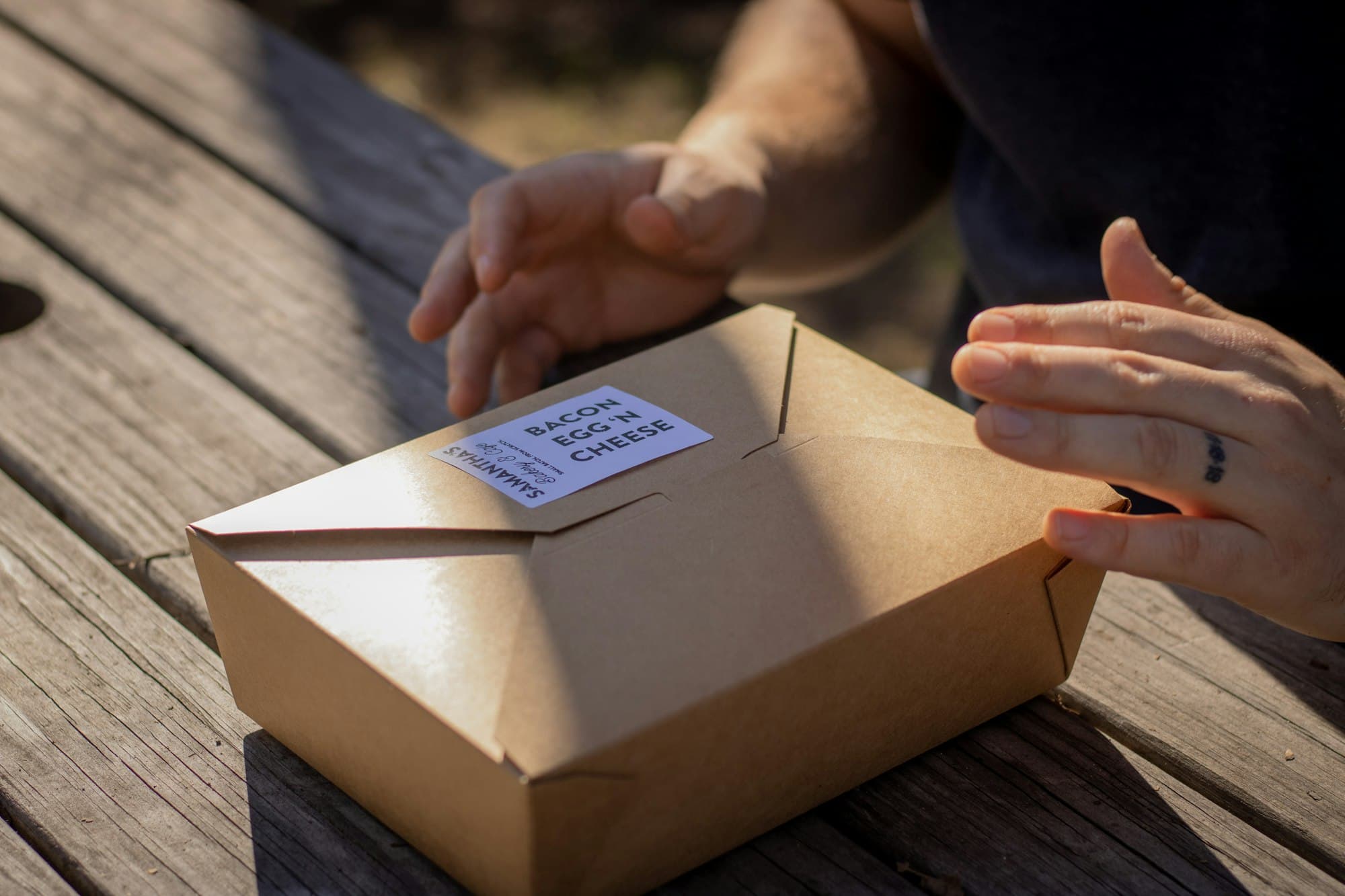
Hands closing a kraft takeaway box labelled with the order inside.

What happens next

  1. 1

    We review your setup

    We read what you send and note any questions before we talk.

  2. 2

    A short call

    About 30 minutes to walk through how orders move through your business.

  3. 3

    A written summary

    What could be connected, what can’t, and whether a pilot makes sense.

Useful to have ready

  • The platforms you sell on
  • Your POS or main software
  • Rough daily order volume

Don’t have every answer? That’s fine.

Prefer email? hello@kov4.com

Number of locations
Delivery platforms you sell on

Choose all that apply.

Name it if you know it, or write “not sure”.

The one that costs you most today.

Order volumes, current workarounds, timing. Whatever helps.

We use these details only to reply to your enquiry. See our privacy notice.